 Exhale
Breathe out. Your subscriptions are handled.
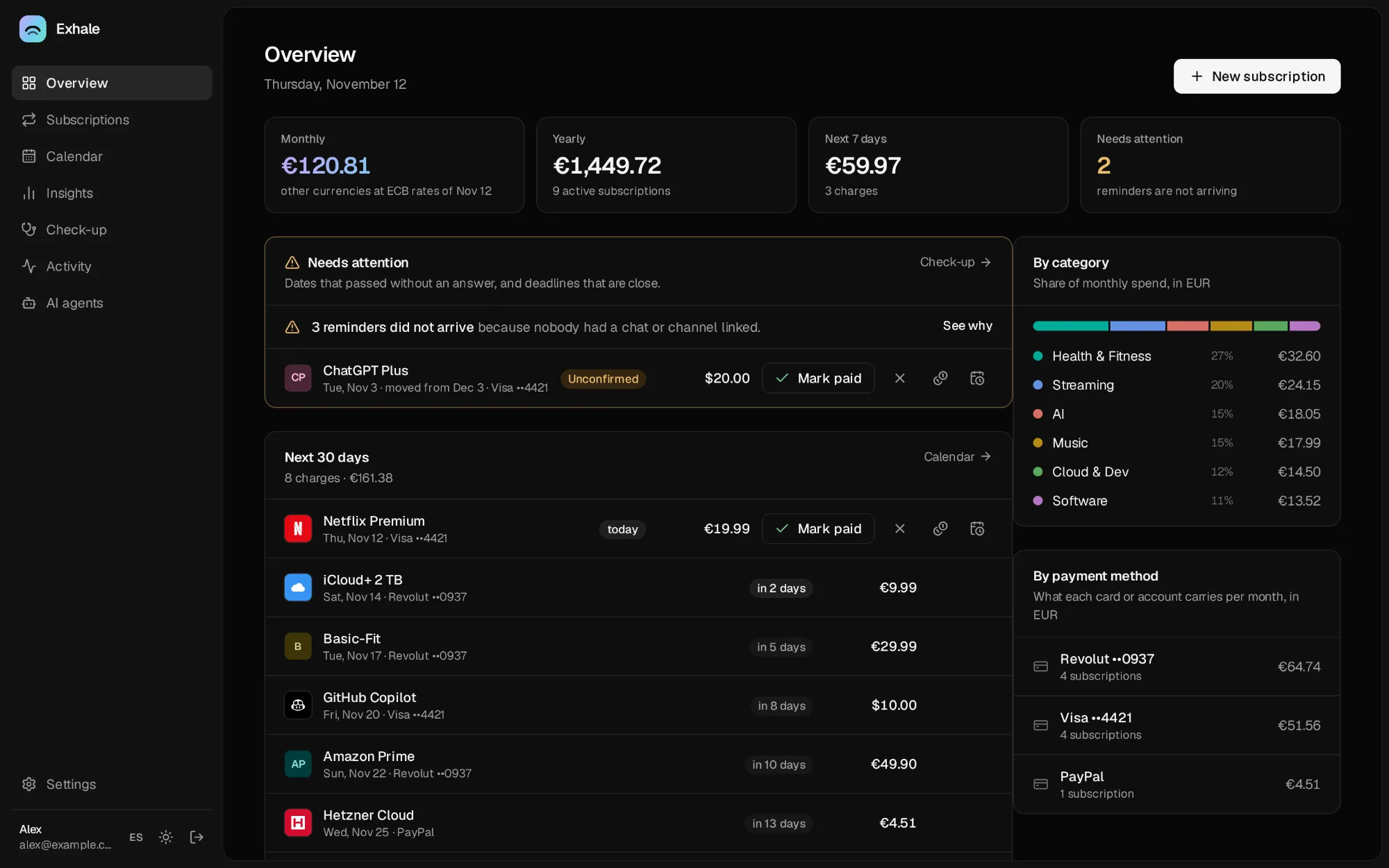
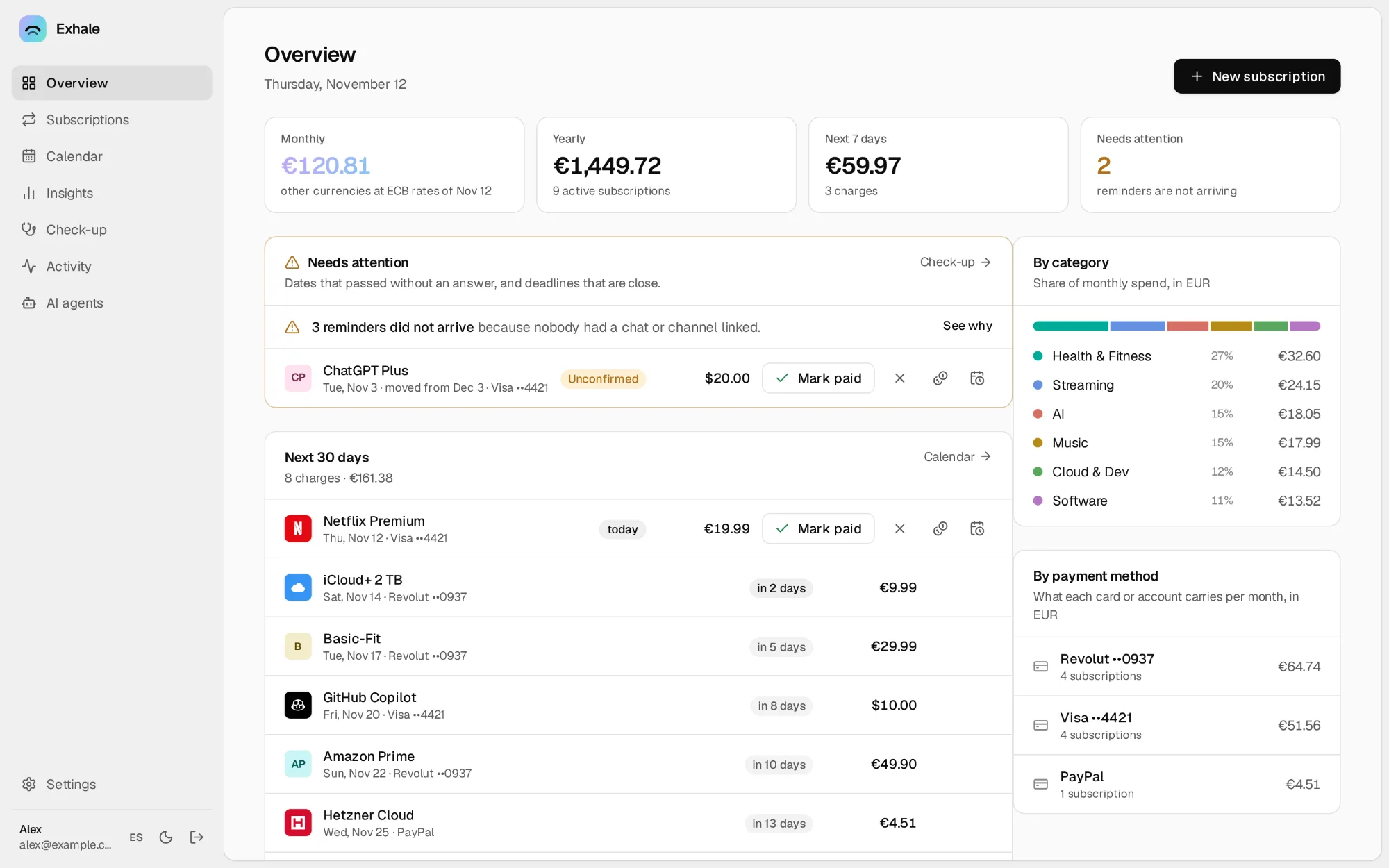
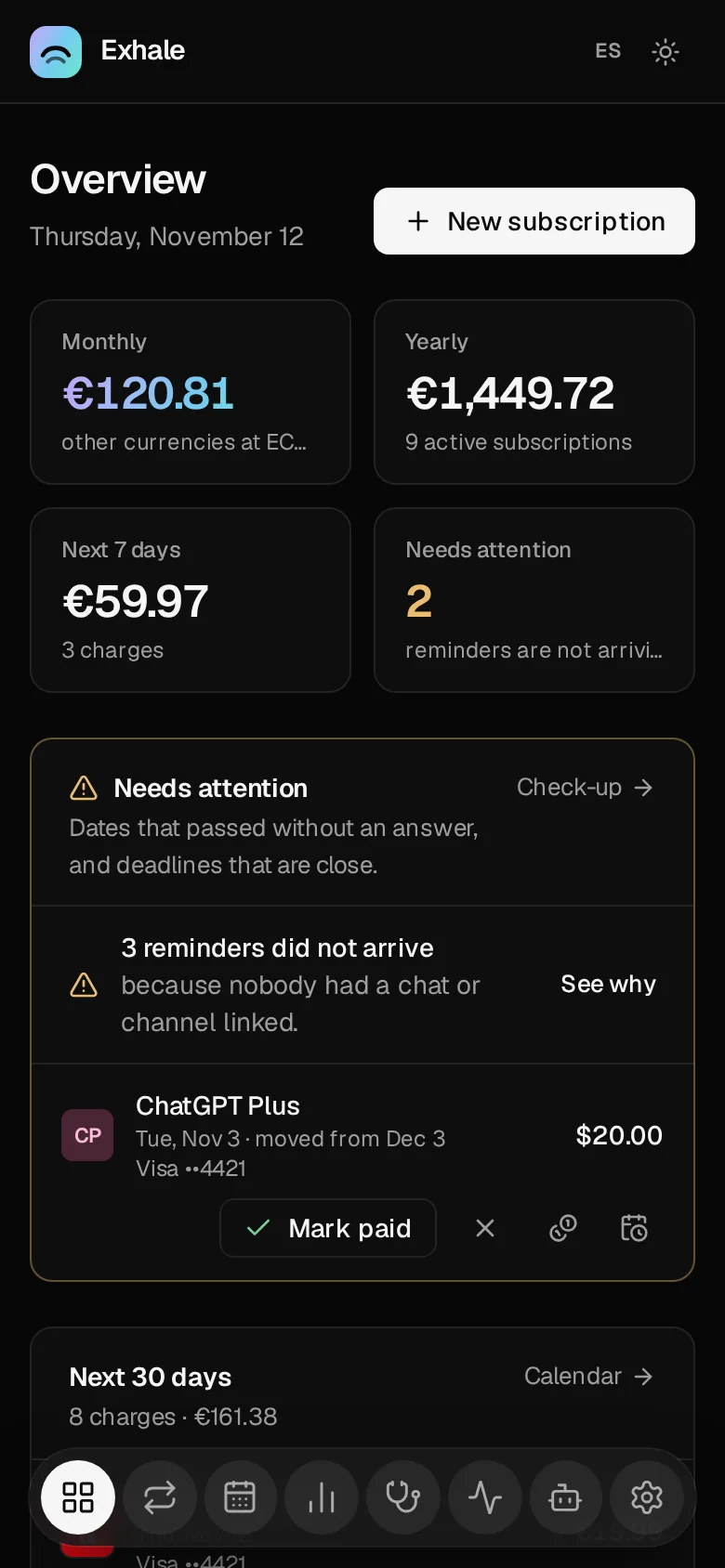
Exhale reminds you before every renewal and lets you fix it from the reminder itself: mark it paid, move the date, change the card, cancel. In Telegram, Slack or your browser. It runs on your own computer, so your data stays with you.
Free and open source under the AGPL-3.0. Every build has signed checksums.
What it does
The reminder is the app.
The message that says Netflix renews in three days lets you fix it right there. It updates in place, and so does the web.
Reminders you can answer
Already paid, a new date, another amount or card, skip, cancel, undo. One tap in the message.
The dates that cost money
Free trials before they charge, the last day to cancel, renewals that need you, price rises announced ahead.
Find the ones you forgot
Import a bank export or a PDF statement and Exhale finds the charges that repeat, with no AI needed. Later statements show what was paid, what changed price and what never arrived.
The whole app in a chat
A pinned Telegram or Slack message is Exhale itself: spend, upcoming charges, every subscription, an add wizard and settings.
A check-up of facts, not tips
The same service paid twice, prices that went up this year, trials about to charge, a card about to expire and everything that depends on it.
Awake when it matters
An icon in the menu bar with your next charges. Keep a laptop awake for an hour or a night, even with the lid closed, never down to an empty battery.
On your phone, no app store
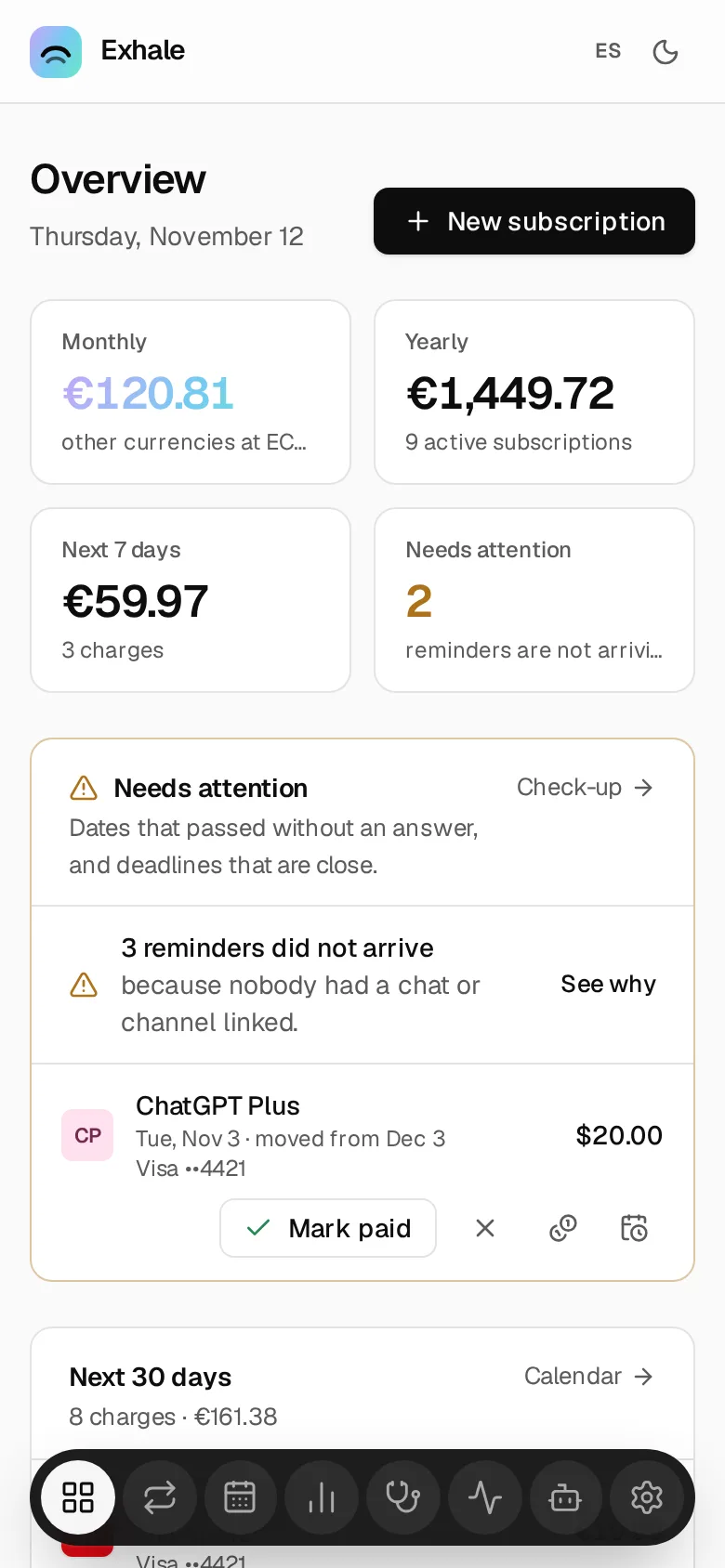
Install the web as an app and get push notifications with a button that works from the notification. Or reminders by email, ntfy and webhook.
Every currency, exact
Totals in your currency at ECB rates, and what to set aside each month for the yearly bills.
Shared, not mixed
A partner or flatmates get their own account and reminders. Split a subscription and see who owes whom.
Ask it anything
Plain language in chat, or Claude, ChatGPT and local models over MCP. Every change shows a preview and can be undone.
Bring everything with you
Import from Wallos or a spreadsheet. Export it all as JSON, CSV or ZIP, or follow your charges in your calendar.
Yours, on your computer
One program, one data folder, a backup every day, and each new version installed with one click. No cloud, no telemetry, no account with us, no paid tier.
How it works
Installed in a minute. Then it just runs.
Download and open it
Exhale starts in the background and opens in its own window. From then on it starts by itself with your computer.
Create your account
Then follow the steps on the home page. Making your own Telegram bot takes a minute and is guided.
Add your subscriptions
By hand, from Wallos or a spreadsheet, or from your bank statement. Reminders start the same day.
Download
Pick your computer.
The latest release, straight from GitHub Releases.
macOS
macOS 12 or laterOpen it and drag Exhale to Applications. The first time, macOS says it cannot verify the developer: go to System Settings → Privacy & Security and choose Open Anyway.
Windows
Windows 10 or 11The installer needs no administrator. If SmartScreen warns you, choose More info → Run anyway.
Linux
x86-64, ARM64, Raspberry PiThe .deb and .rpm run Exhale as a service that starts with the computer, and add it to your applications.
On a server, or from the terminal
docker run -d --name exhale --restart unless-stopped \
  -p 8484:8484 -v exhale-data:/data \
ghcr.io/akamachinecode/exhaleFor a home server, a NAS, a Raspberry Pi or a VPS: reminders never miss on a machine that is always on. docker logs exhale shows the one-time setup code. The Docker guide covers Compose, HTTPS and backups.
curl -fsSL https://akamachinecode.github.io/exhale/install.sh | sh -s -- --service
sudo systemctl start exhaleFor a machine without the .deb or .rpm. The script checks the SHA-256 of what it downloads before installing, and sets Exhale up as a systemd service. Read it first, or see the Linux guide.
Questions
Before you install
Does my computer need to stay on?
Reminders go out while Exhale runs. On a laptop, Exhale can keep it awake for a while, even with the lid closed, from its menu bar icon or Settings → This computer, and anything due while it slept is sent when it wakes. A home server or a Raspberry Pi that never sleeps is ideal.
Where is my data?
In one folder on your computer, copied every day. Nothing is sent anywhere unless you set up a channel such as Telegram.
Can I use it on my phone?
Yes. Reminders reach your phone in Telegram or Slack, or as push notifications once you install the web as an app (it needs HTTPS). Exhale itself runs on a computer.
Is it really free?
Yes. Exhale is free software under the AGPL-3.0, with no paid tier, no account with us and no telemetry.
I use Wallos. Can I move over?
Yes. Import your Wallos database and review every subscription before it is saved.
How do I uninstall it?
On a Mac, turn Exhale off in System Settings → General → Login Items and drag it to the Trash. On Windows, Settings → Apps. On Linux, remove the package. Your data stays until you delete its folder.